System-wide filtering
AdGuard desktop and mobile apps can filter ads and trackers beyond a single browser, including supported apps and web views.
AdGuard privacy ecosystem
Block ads, reduce tracking, filter DNS requests, protect your inbox, and keep browsing cleaner across the devices you use every day.
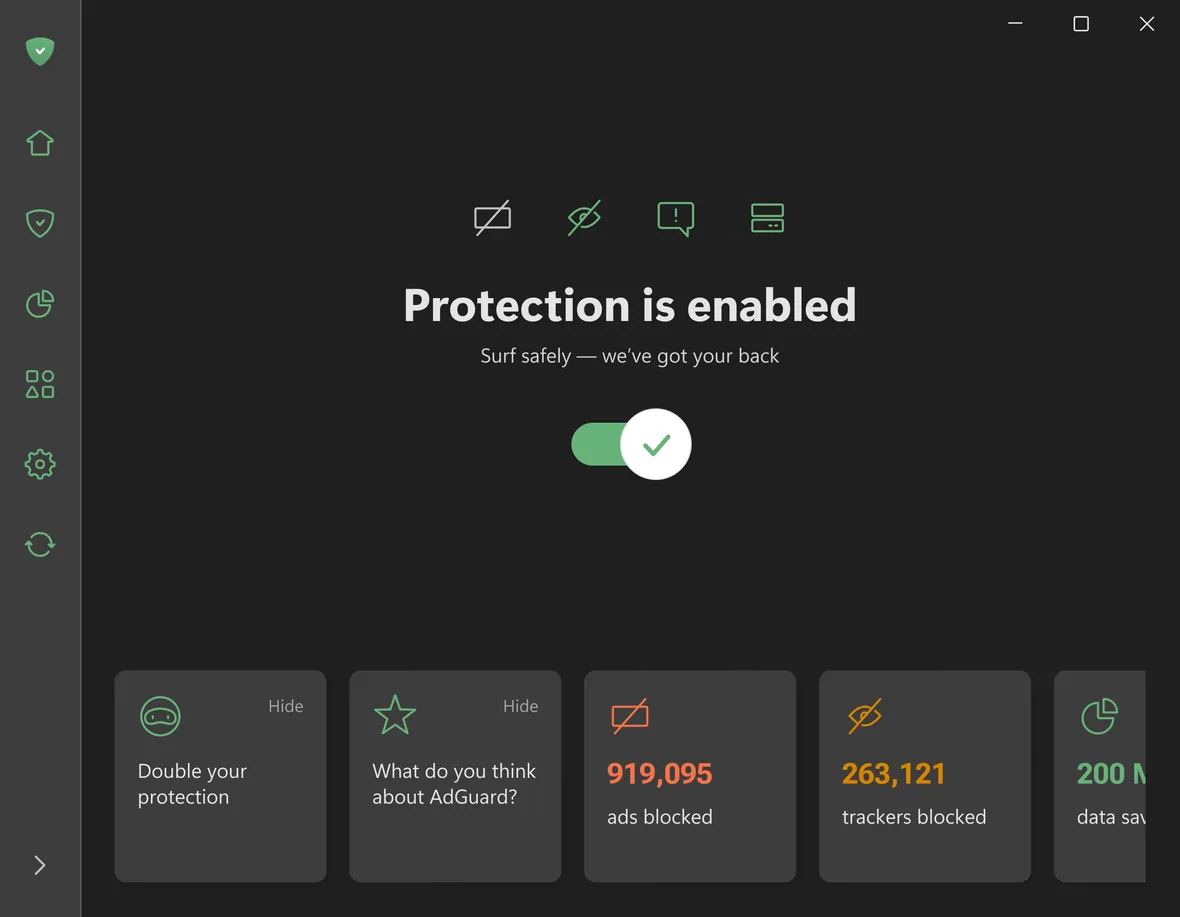
Banners, popups, video ads, and app ads where filtering is supported.
02 Tracker protectionTracking scripts, analytics requests, cookie banners, and social widgets.
03 DNS filteringEncrypted DNS, family protection, and network-level blocking.
04 VPN privacyEncrypted traffic, location control, and exclusions by site or app.
AdGuard Ad Blocker
AdGuard's core product is an ad blocker for people who want fewer popups, banners, video ads, tracking requests, and page elements that slow down the web.
Privacy protection
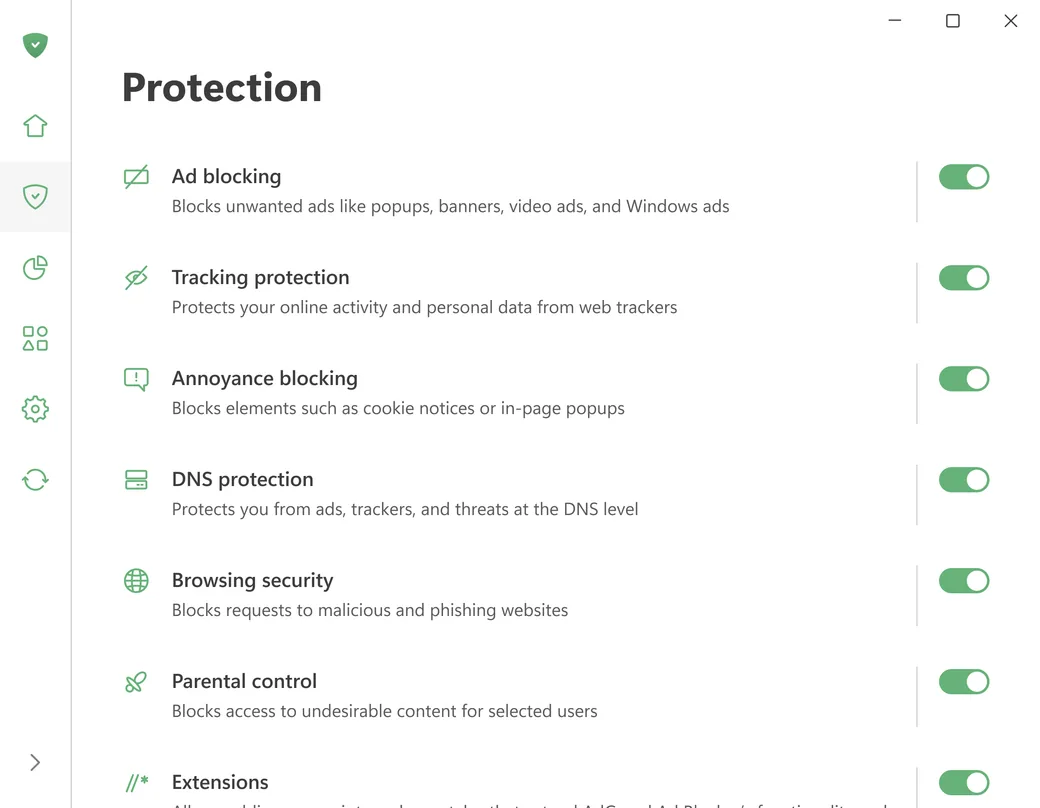
AdGuard privacy protection focuses on real browsing problems: analytics scripts, tracking pixels, social widgets, cookie popups, and background requests that expose behavior.
Block common analytics, trackers, and data collection requests before they follow activity across websites.
Reduce cookie notices, floating widgets, app banners, and other interface interruptions that make pages harder to read.
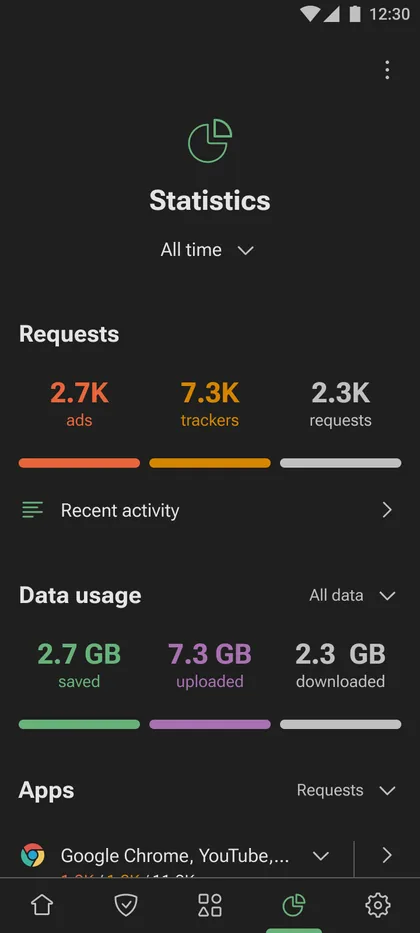
Use statistics and activity views in supported apps to see blocked ads, trackers, DNS queries, and data savings.
On supported platforms, choose which apps are filtered, routed, or allowed to connect without the same protection level.
Browsing security
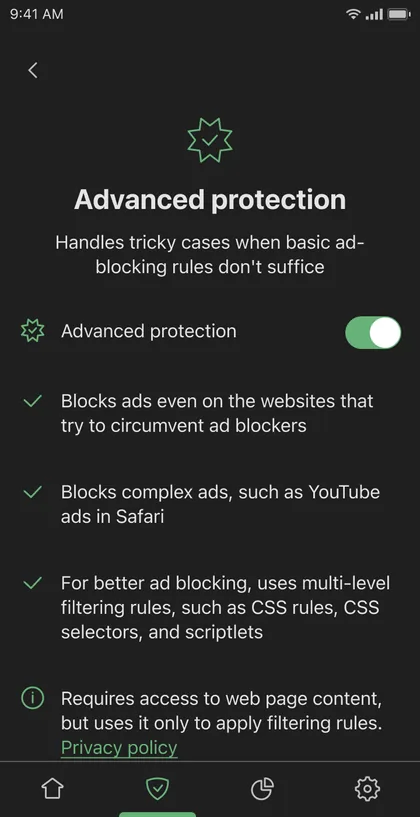
AdGuard is not only an ad blocker. Its security features help reduce exposure to malicious pages, suspicious redirects, and domain-level threats that interrupt normal browsing.
AdGuard DNS
AdGuard DNS works without installing a full app. It can be configured on phones, desktops, routers, smart TVs, game consoles, and other devices that support custom DNS.
Blocks ads, trackers, phishing, and malicious domains through AdGuard DNS resolvers.
Adds adult-content blocking and safer search behavior for homes, shared devices, and family networks.
Use a personal DNS setup when you need more control, device management, filtering rules, and statistics.
AdGuard Home
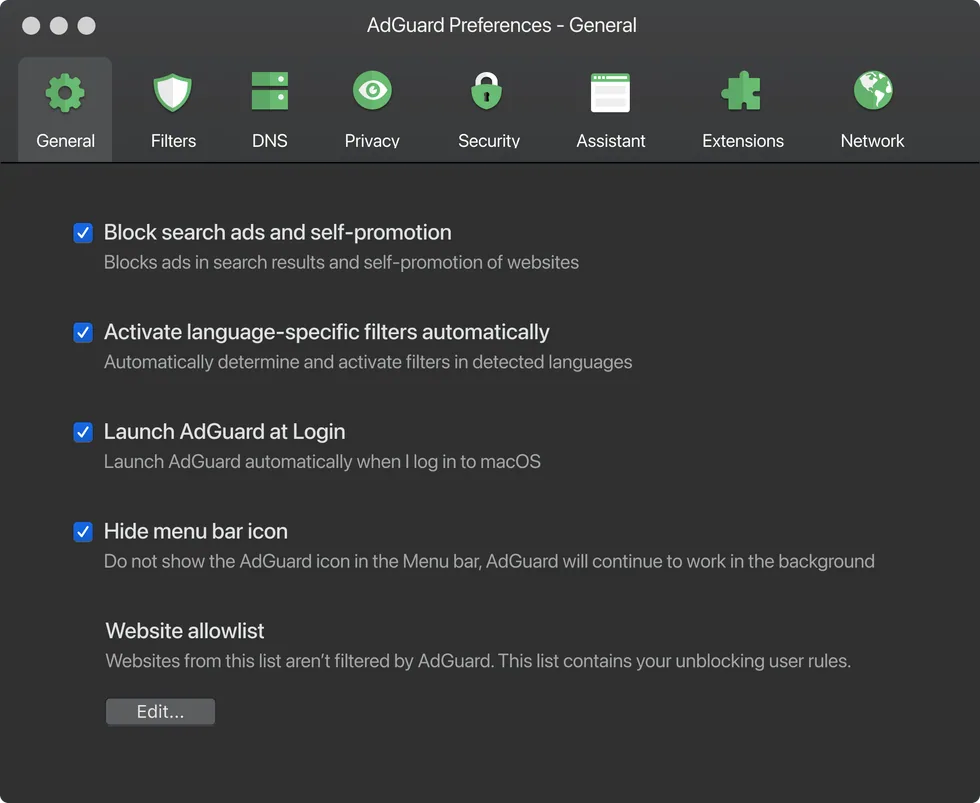
AdGuard Home is the advanced route for households and technical users who want network-wide ad blocking, tracker protection, parental controls, and visibility across devices.
Install AdGuard Home once and route DNS traffic through it so every connected device gets the same baseline filtering.
Protect devices that cannot run browser extensions, including smart TVs, consoles, speakers, appliances, and home automation hardware.
Use blocklists, allowlists, and policy choices to fit the network instead of relying on one fixed filtering mode.
Monitor DNS requests and filtering behavior to understand what devices are trying to reach in the background.

AdGuard VPN
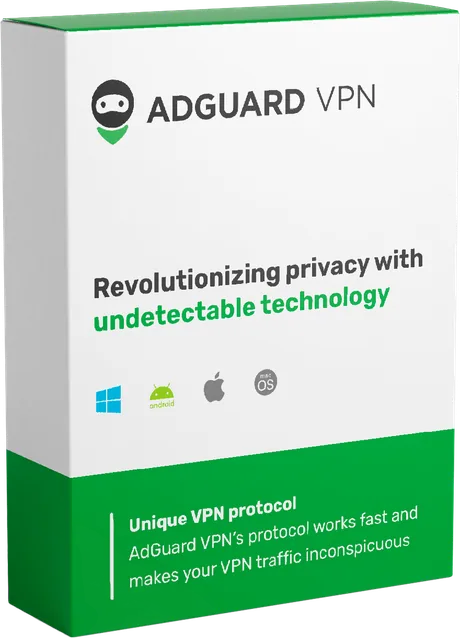
A VPN solves a different problem than ad blocking. AdGuard VPN helps protect traffic on public networks, change visible location, and choose which apps or websites use the encrypted route.
 Open AdGuard VPN website
Route traffic through a VPN tunnel so public Wi-Fi, local networks, and observers cannot read browsing traffic as easily.
Use AdGuard VPN locations to change the visible region for websites, services, and apps that rely on IP location.
Decide where the VPN should apply and where a site or app should connect directly.
AdGuard VPN is designed to work alongside AdGuard Ad Blocker so filtering and VPN privacy can be used together.
Email and identity privacy
AdGuard also offers privacy tools outside classic ad blocking: email aliases, temporary inboxes, and a wallet product built around user control.
Create email aliases that forward messages to your inbox without exposing your real address to every sender.
Use disposable addresses for short-term sign-ups, verifications, tests, and one-time interactions.
A non-custodial crypto wallet for users who want control of their assets without handing over seed phrases.

AdGuard apps
The ecosystem covers desktop, mobile, browser, command-line, TV, router, and DNS setups so protection can match how each device connects.
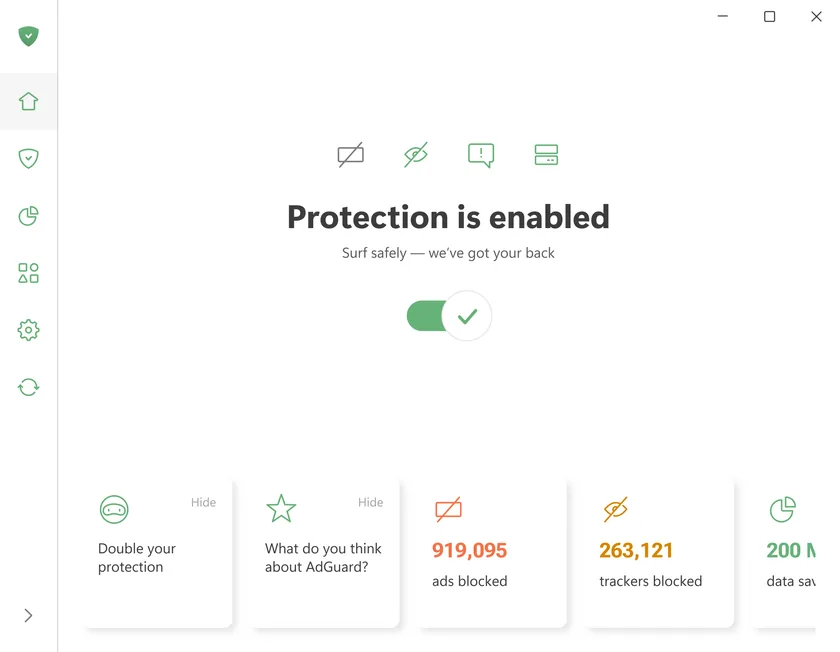
Desktop apps for system-wide ad blocking, tracker protection, browsing security, and app-level filtering controls.
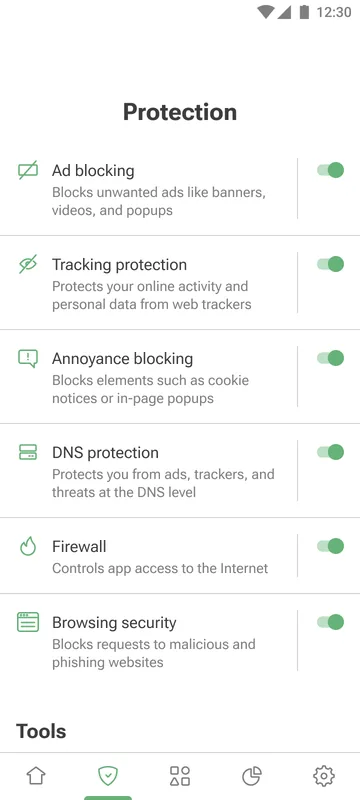
Mobile protection for Safari, browsers, apps, DNS filtering, phishing protection, and device-level privacy controls.

Lightweight AdGuard extensions for Chrome, Firefox, Safari, Edge, Opera, and other Chromium-based browsers.

Command-line filtering on Linux and privacy-focused ad blocking for Android TV environments.
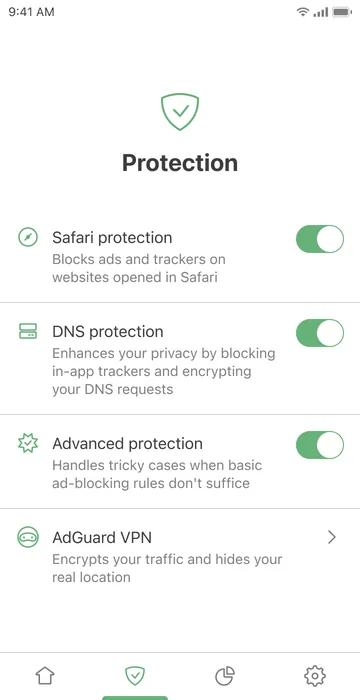
AdGuard DNS and AdGuard Home bring filtering to routers, smart TVs, game consoles, and IoT devices.
AdGuard downloads
Choose the right installer for desktop, mobile, TV, or browser VPN protection.
AdGuard Ad Blocker
AdGuard VPN
Choose your setup
Go to official download